You have a task to explain. Someone needs to know how to add a user, file a report or set up the new tool. Do you write it down, or do you make a video?
People argue about this a lot, and the honest answer is that it depends on who is reading and what they are doing at that moment. This post gives you a simple way to decide. It also explains how showdo gives you both from a single recording, so the choice stops being a big one.
The short answer
- Use a written guide when someone will follow along while working, scan for one detail, copy a value or come back later.
- Use a narrated video when someone is seeing the flow for the first time, wants the big picture, or would simply rather watch than read.
- If you can, give people both and let them choose.
Neither one is better in general. They answer different moments.
When a written guide is better
The reader is doing the task right now
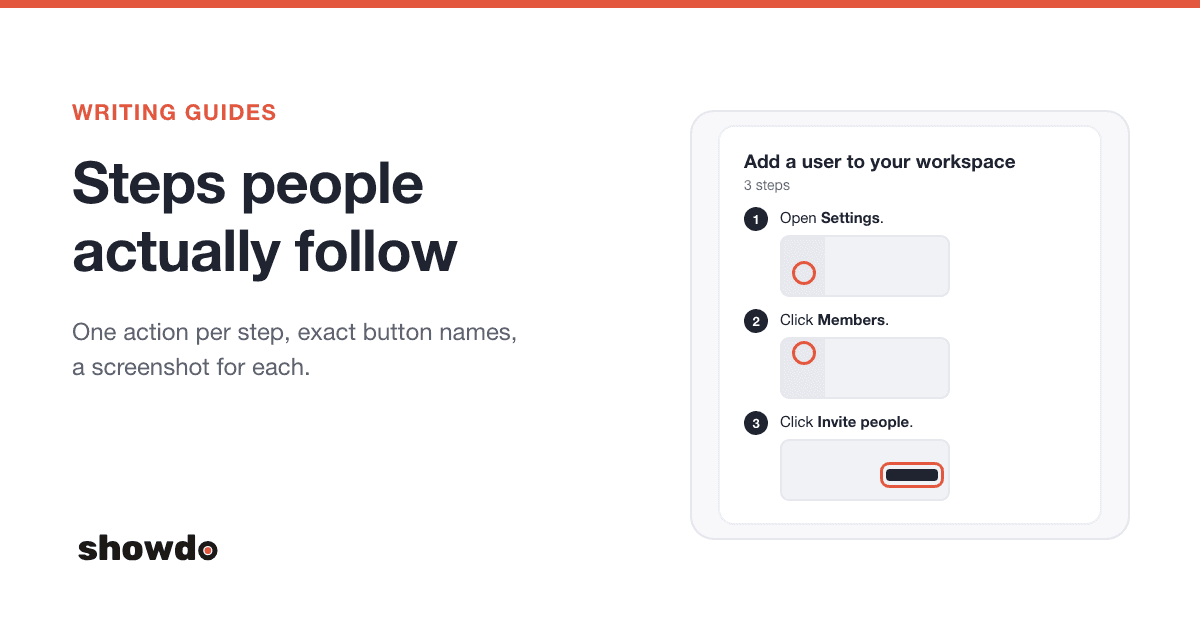
Think of someone with the app open in one window and your instructions in the other. They read a step, do it, glance back, read the next one. A numbered list with a screenshot under each step fits that rhythm. They always know where they are, because the step number is right there.
A video makes this harder. They have to pause, switch windows, do the thing, switch back, find their place on the timeline and press play. Most people give up on that after a few steps.
They need one detail, not the whole thing
Maybe they know 90 percent of the process and forgot the last part. With a guide they scroll to step 7 and they are done in ten seconds. With a video they have to scrub back and forth to find it, and they may miss it twice.
They need to copy something
A URL, a setting name, a code snippet, a value to type. These are easy to copy from text and painful to read off a moving screen. If a step has a value people must type exactly, put it in a guide.
It will be searched, skimmed or printed
Text can be searched, skimmed in seconds, translated, printed and pasted into a ticket. People on a slow connection or a noisy floor can read it without any trouble. A written guide also works for readers who use screen readers.
You will edit it often
Fixing one sentence in a guide takes a minute. Re-recording a video because a button moved takes much longer.
When a narrated video is better
It is a first look
Someone new to a tool does not yet know what the screens look like or where things are. A video shows the whole route from start to finish: where the cursor goes, what opens, how long things take. It gives a feel for the task that a list of steps can miss.
You are showing a flow, not a list of clicks
Some tasks are about movement. You go from one page to another, a panel slides in, a dialog closes. Watching that happen in order helps people build a picture of how the pieces connect.
The person would rather watch
Some people simply learn better by listening and watching. Others are tired of reading all day. If your audience likes video, a video gets watched and a long guide may not.
You want to send it somewhere people already watch
A short MP4 or GIF fits easily into a chat message, a team update or a training playlist.
A quick way to decide
| Situation | Reach for |
|---|---|
| Following along while working | Guide |
| Looking up one step or one value | Guide |
| Copying a URL, setting or code | Guide |
| Needs to be searched, printed or pasted into a ticket | Guide |
| First time using the tool | Video |
| Showing how pages and panels connect | Video |
| Audience prefers watching | Video |
| Playing in a meeting or a training session | Video |
Tip: A good rule for teams: put the video at the top for the first look, and keep the guide right under it for the day someone has to do the task for real.
How showdo makes both from one recording
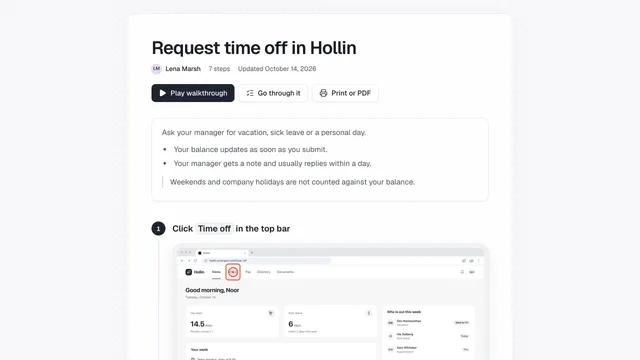
You record the task once, with the Chrome extension or showdo for Mac. showdo turns the clicks and screenshots into a step-by-step guide. That is the written side.
For the video, you open the guide and use the Video button. showdo makes the video from the same steps, so there is nothing to record a second time.
What the video is made of
- One scene for each step that has a screenshot. Steps that are hidden, and notes without a screenshot, do not become scenes. A video can have up to 40 steps.
- A narrator's script. showdo writes one short line of narration per scene from the step's title, description and notes, and from what you said while recording if you talked. You can edit any line by hand, or ask for a rewrite.
- A voiceover. Each line is spoken by an AI voice. There are 13 voices to pick from and four speaking styles: Friendly, Calm, Energetic and Professional. You can also record your own voice scene by scene, and an admin can record a workspace voice once (30 seconds, with consent) so every video sounds the same.
- Captions. The captions are timed to the words that are spoken.
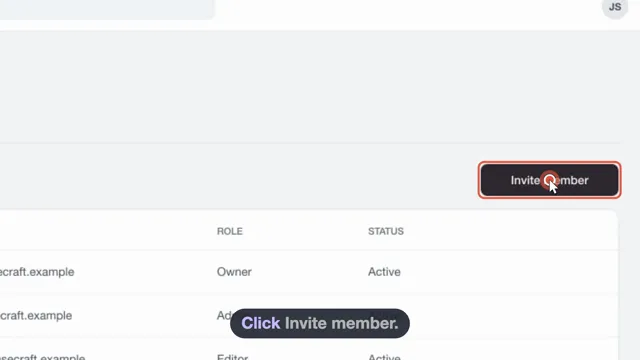
- A moving cursor. The cursor glides to each click and the screen zooms in on it, so viewers see where to look.
- Optional background music. You can pick a built-in loop or turn it off.
You choose how much the narrator says per scene: Brief, Standard or Detailed. The video follows the order of the guide, because it is built from it.
Sharing and exporting
The video studio has an Export button. From there you can make:
- An MP4, at 720, 1080 or 1440 pixels, in 16:9, 9:16, 1:1 or 4:3.
- A GIF, for short clips in places that cannot play video.
- A captions file, as SRT or WebVTT.
The MP4 is made in your browser. You can download it, and you can also save a copy on the guide itself (up to 500 MB). From there it is just a file: send it, post it or add it to your training playlist.
Other languages
The video follows the language of the guide. If you translate a guide into Hindi, the script, captions and voiceover for that guide's video are in Hindi. Some languages have a voice the speech service supports well, some work but should be listened to before you share, and for the rest you get captions and can record your own voice. The post on writing and translating guides in Hindi goes into the details.
Note: Writing the script and recording the voice are AI features. If an admin has turned AI off for the workspace, the video is made from the step text and has no voiceover.
Keep the guide good, and the video gets better
The video is only as clear as the guide it comes from. A few habits help both:
- Let each step do one thing. One click or one choice per step makes a clean scene.
- Give steps clear titles. The narrator writes from them.
- Fix the wording first, then make the video. Edit the steps, then make the video, so you do not have to redo the narration.
- Listen to it before you share. Play the whole video once. Fix any line that sounds odd by editing it and recording that scene again.
When the guide changes later, the video can be brought up to date. Scenes whose steps did not change keep their edits and their recorded voice.
Questions
Do I have to choose between a guide and a video? No. Every showdo guide can also be a video, made from the same steps. Keep both and let people use the one that suits them.
Can I use my own voice instead of an AI voice? Yes. You can record your own narration scene by scene, and an admin can record a workspace voice once for all videos.
What file types can I export? MP4, GIF and a captions file (SRT or WebVTT).
Does the video work in Hindi and other Indian languages? Yes. The script, captions and voiceover follow the guide's language. Where a voice does not speak a language yet, you still get captions and can record your own voice. See writing and translating guides in Hindi.
Where do I learn more? The video feature page lists everything the studio can do, and the docs explain recording and sharing.