Share a link, or put it in your help centre
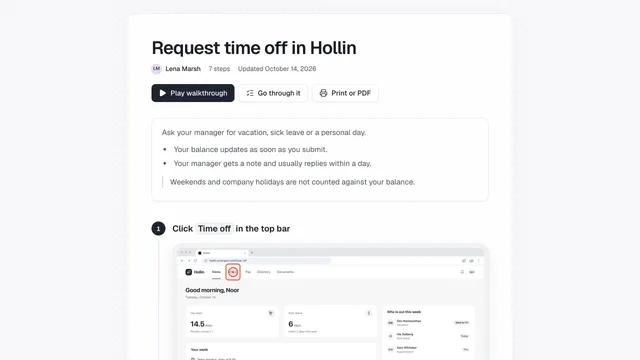
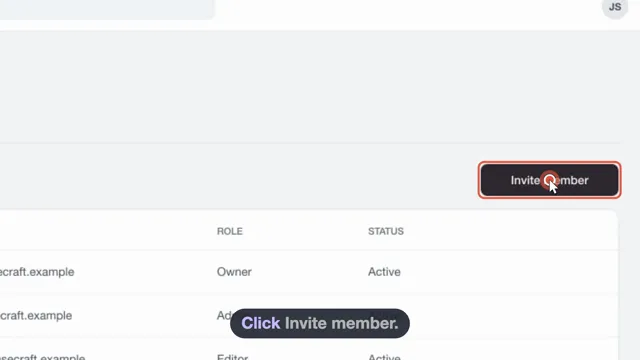
Send a link, publish a public page, or embed a guide in your site with your logo and colours.
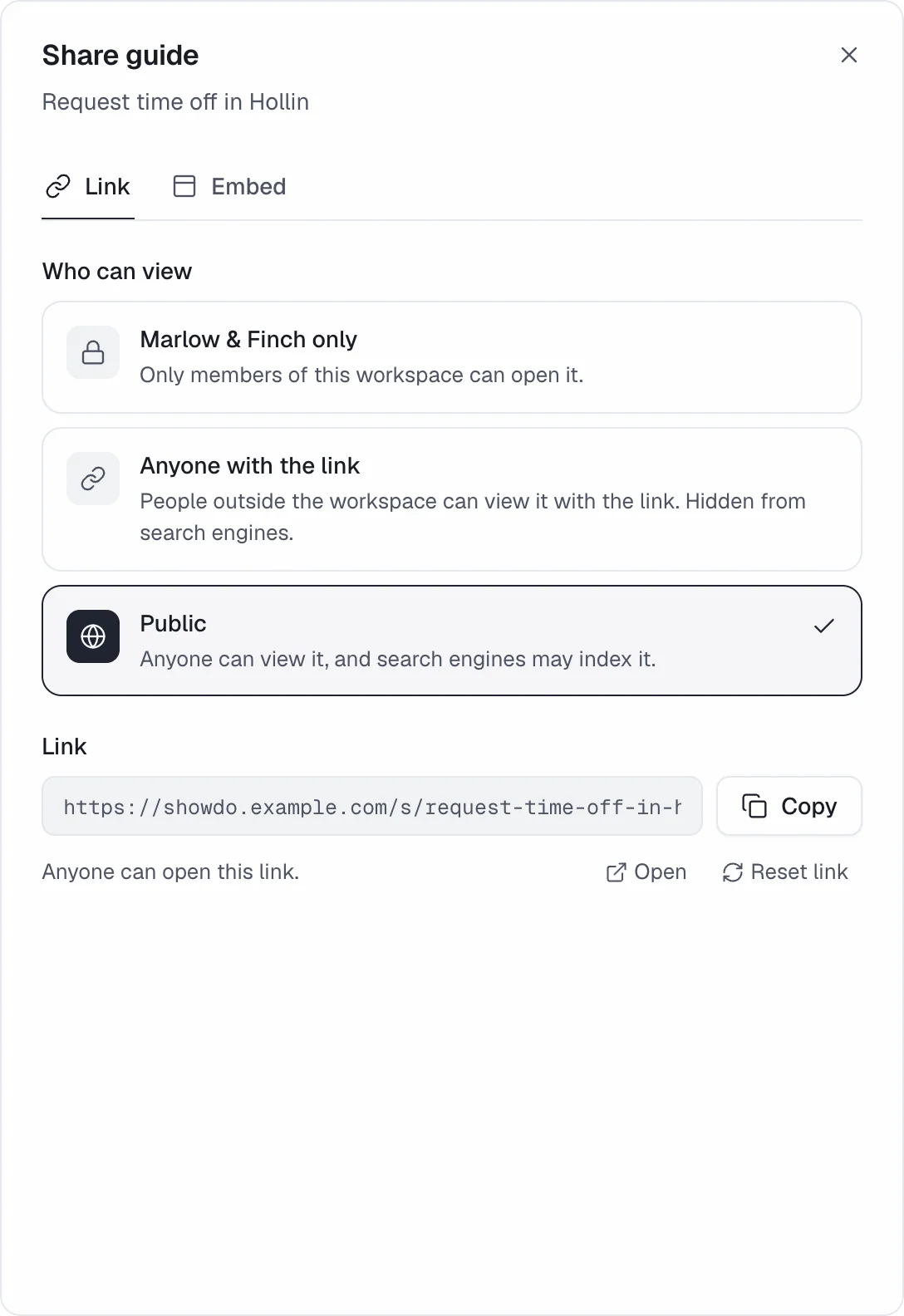
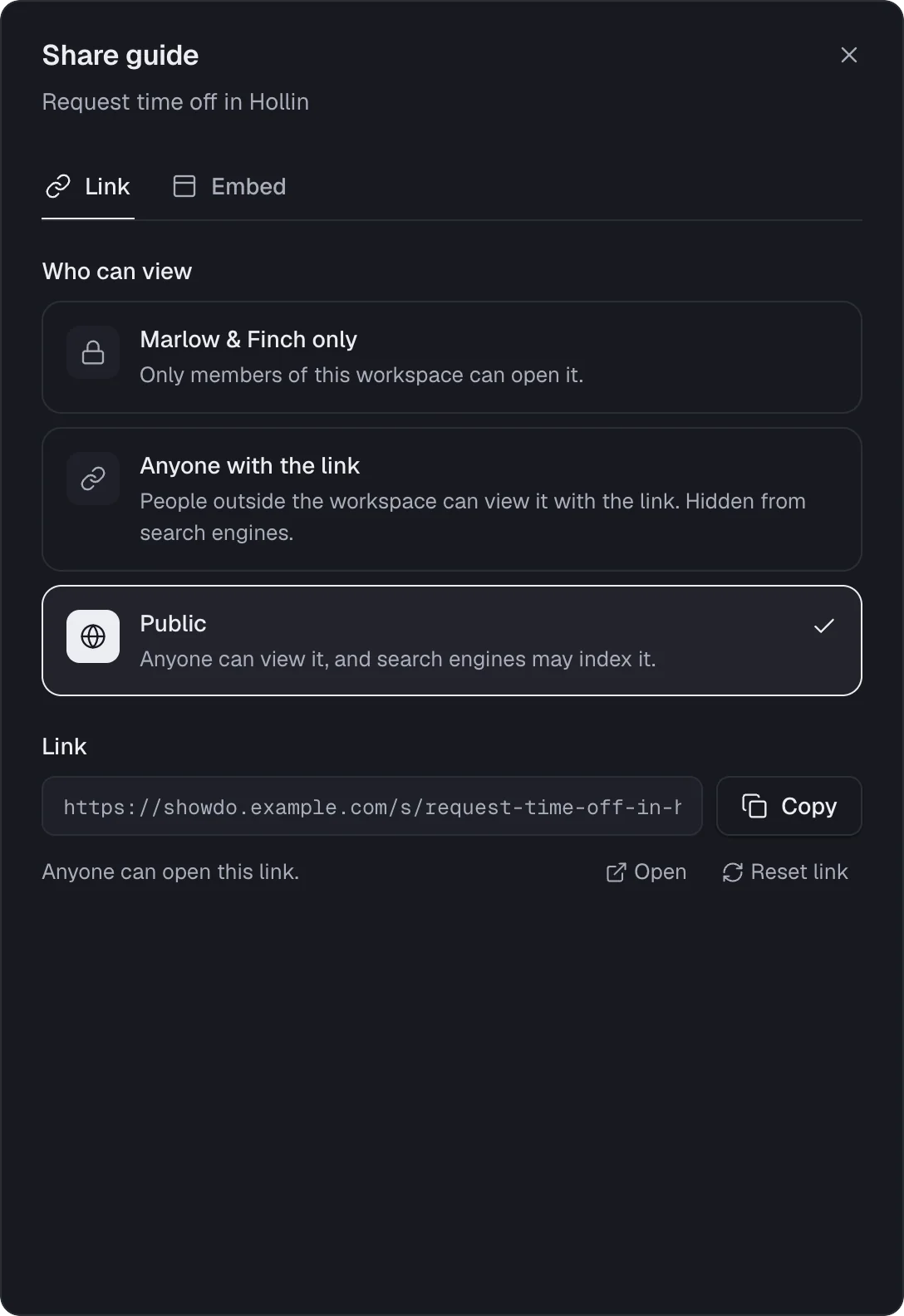
You decide who can see a guide
A new guide is visible to your workspace only. Change that whenever you like.
- Private to your workspace
- Anyone with the link
- Public
Embed it with your branding
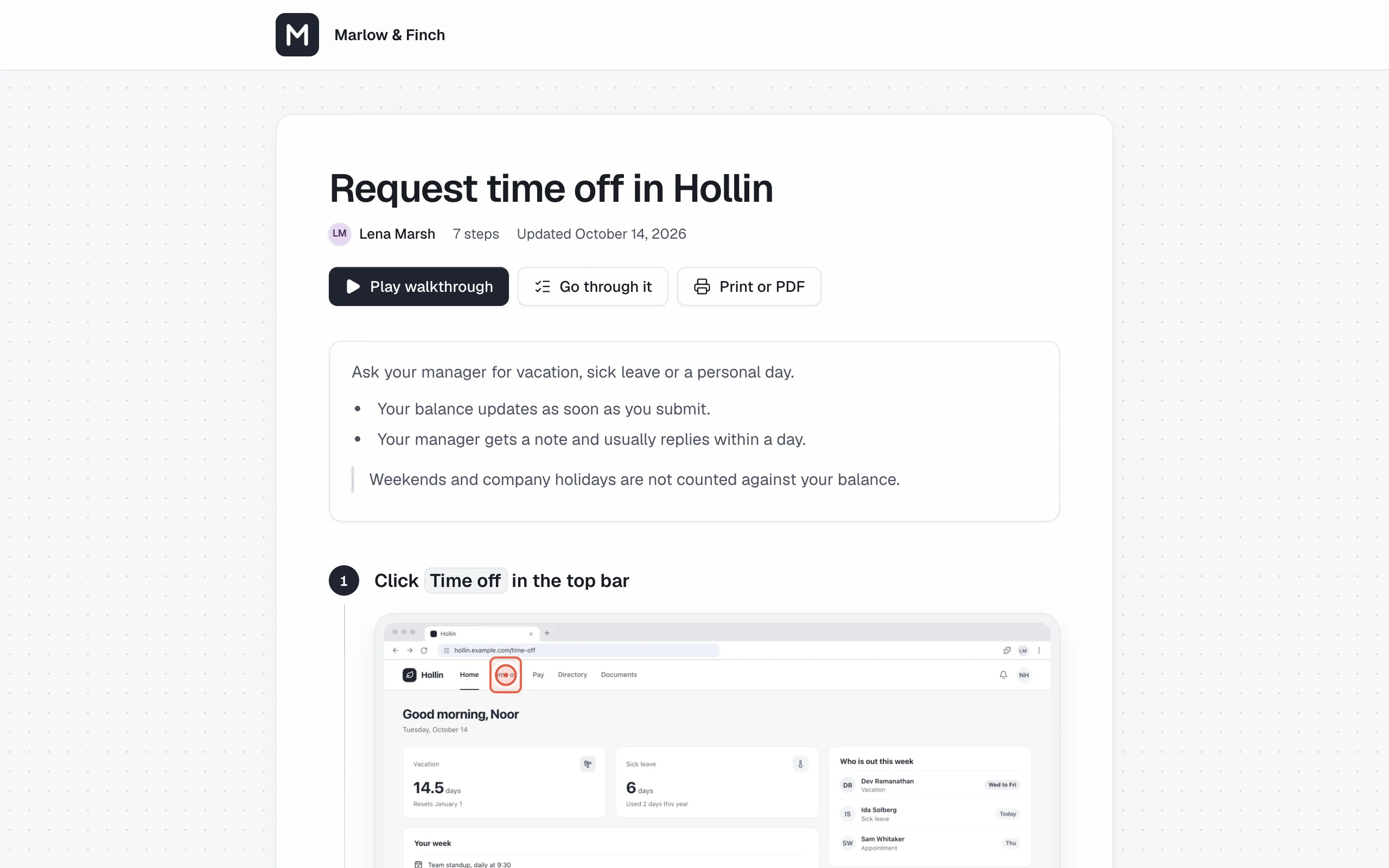
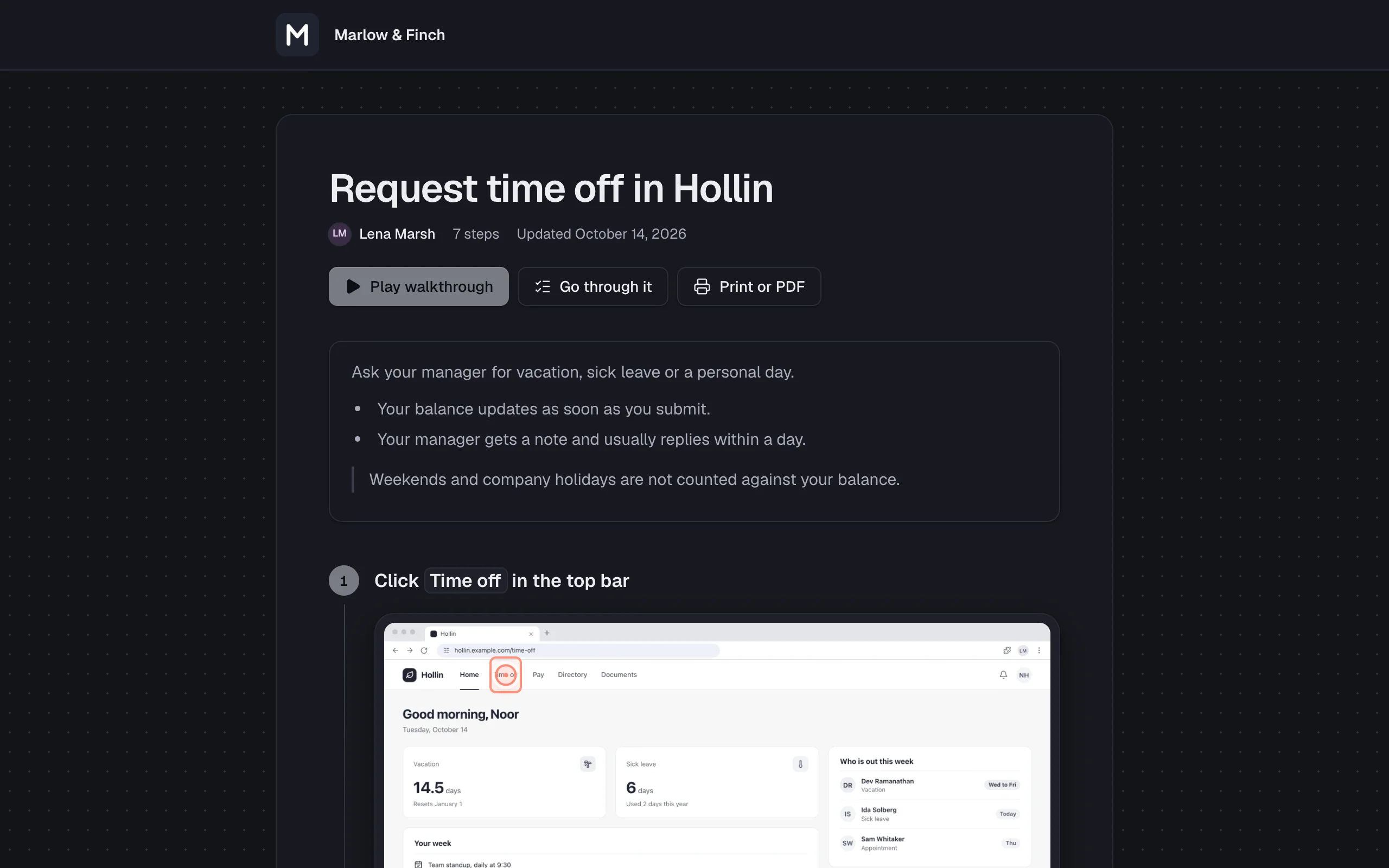
Show a guide in your help centre or intranet, with your logo and brand colour.
- Auto-size snippet, no inner scroll bar
- Sets no cookies on the visitor's device
Take a copy, keep control
Export any guide, and let admins set the sharing rules.
- PDF, web page or Markdown
- Only listed websites can embed
- Admins can switch public guides off
Common questions
Who can see my guides?
Guides start private to your workspace. Owners can turn link sharing and public guides off for everyone.
Will search engines list my guides?
Guides shared only with people who have the link are not listed by search engines. Public guides can be.
Can I stop other websites from showing my guides?
Yes. A guide can be shown on another website only if your workspace lists it. Only owners and admins can change the list.
Related
Try it on a task your team repeats
showdo is in early access and free for everyone, with every feature. Record one process and get the guide and the video.