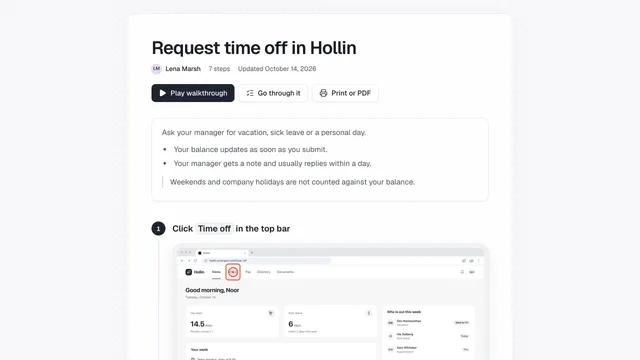
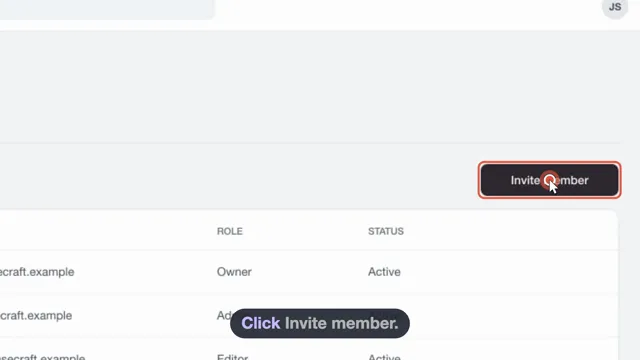
Private details blurred before anyone sees them
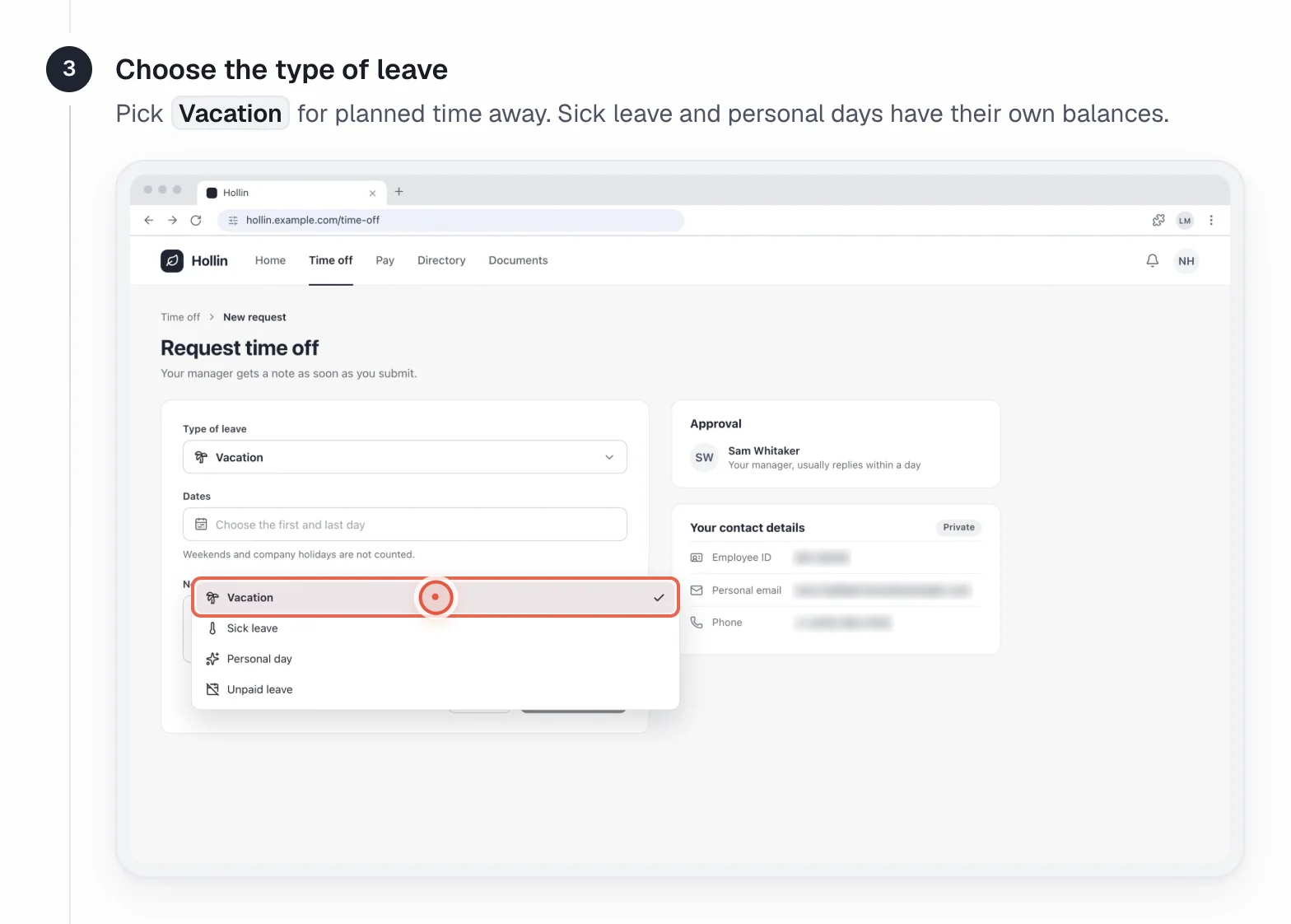
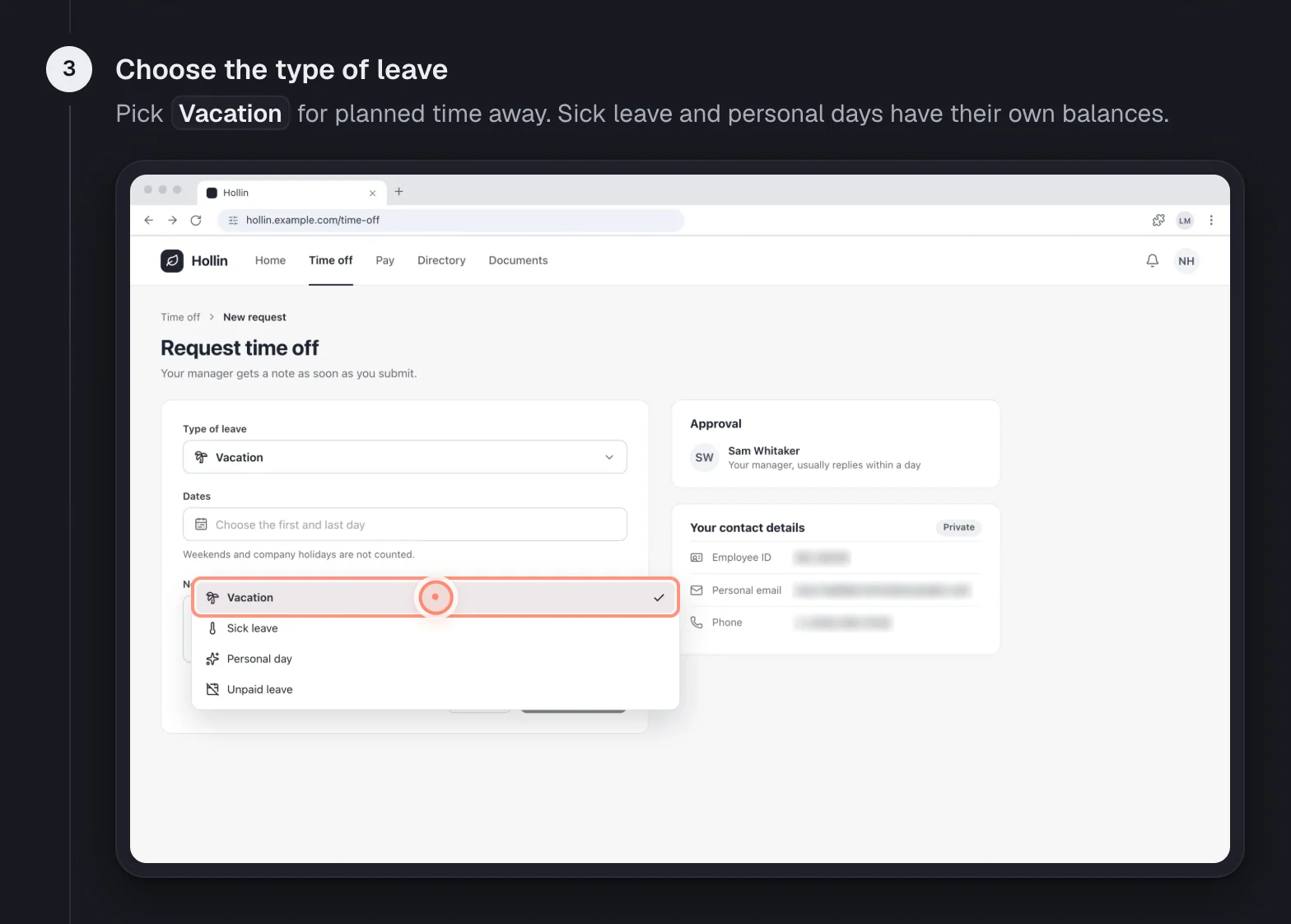
Private details are blurred on the exact words, on your device first. Passwords are never captured as text.
Blurred on the exact words
Emails, phone numbers, card numbers, addresses and more, in the screenshot and in the step text.
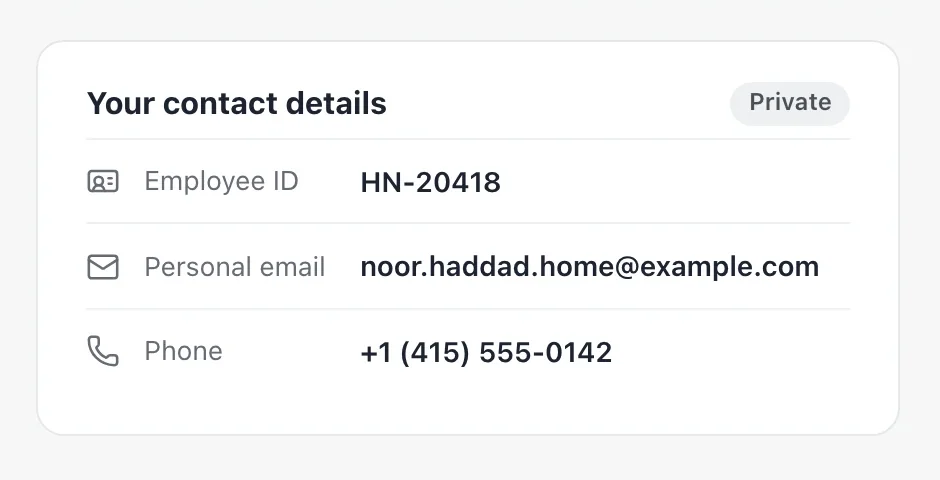
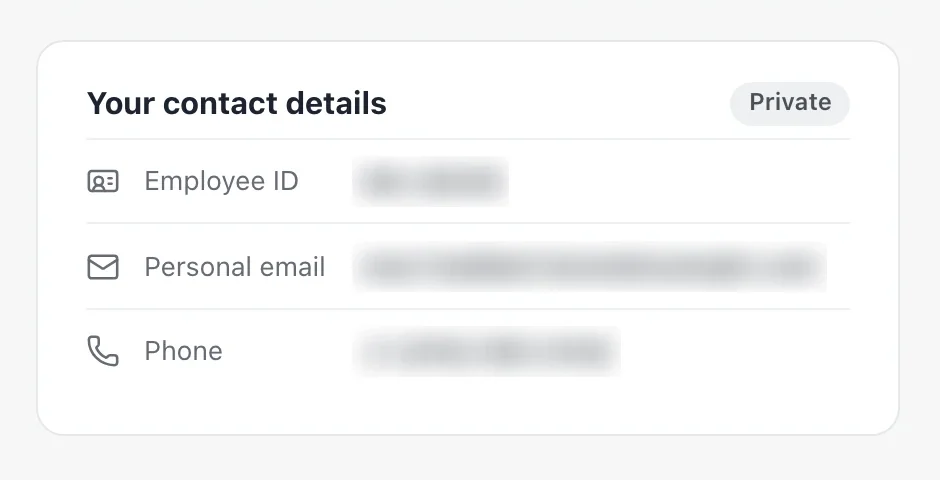
Blurred on your device first
In the Chrome extension, showdo for Mac and showdo for Android, the unblurred original never leaves your device.
- Password and card fields always blurred
- Typed text cleaned before upload
- Voice becomes text on your Mac
A second check, then your review
An AI check looks for missed details. Open Privacy in a guide to see every blur, and add more.
- Blurring is not perfect, so review first
Common questions
How are private details protected?
showdo blurs names, emails, phone numbers, card numbers and addresses exactly where they appear, and removes them from the step text.
Are passwords captured?
No. Password fields are never captured as text, and they are blurred in screenshots even if auto-blur is off.
Is the blur guaranteed to catch everything?
No. It is automatic and good, but not perfect, so look over a guide before you share it. If you see something missed, add blur in the editor.
Related
Try it on a task your team repeats
showdo is in early access and free for everyone, with every feature. Record one process and get the guide and the video.