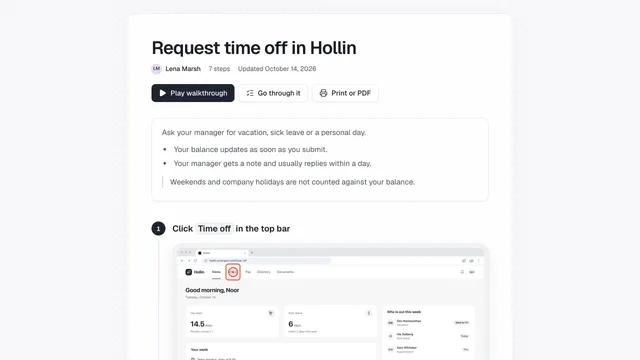
Your guides, as the knowledge your AI chatbot answers from
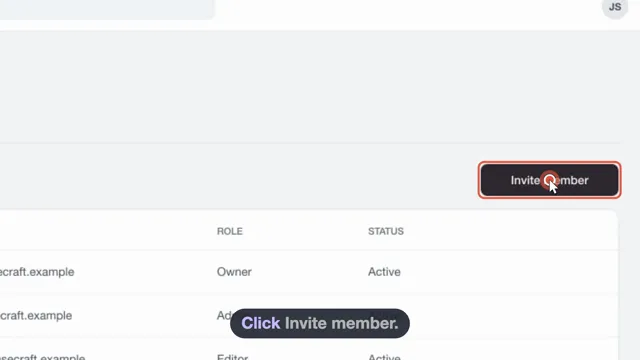
Every guide is split into steps with a blurred screenshot, ready for the assistant, Markdown or the API.
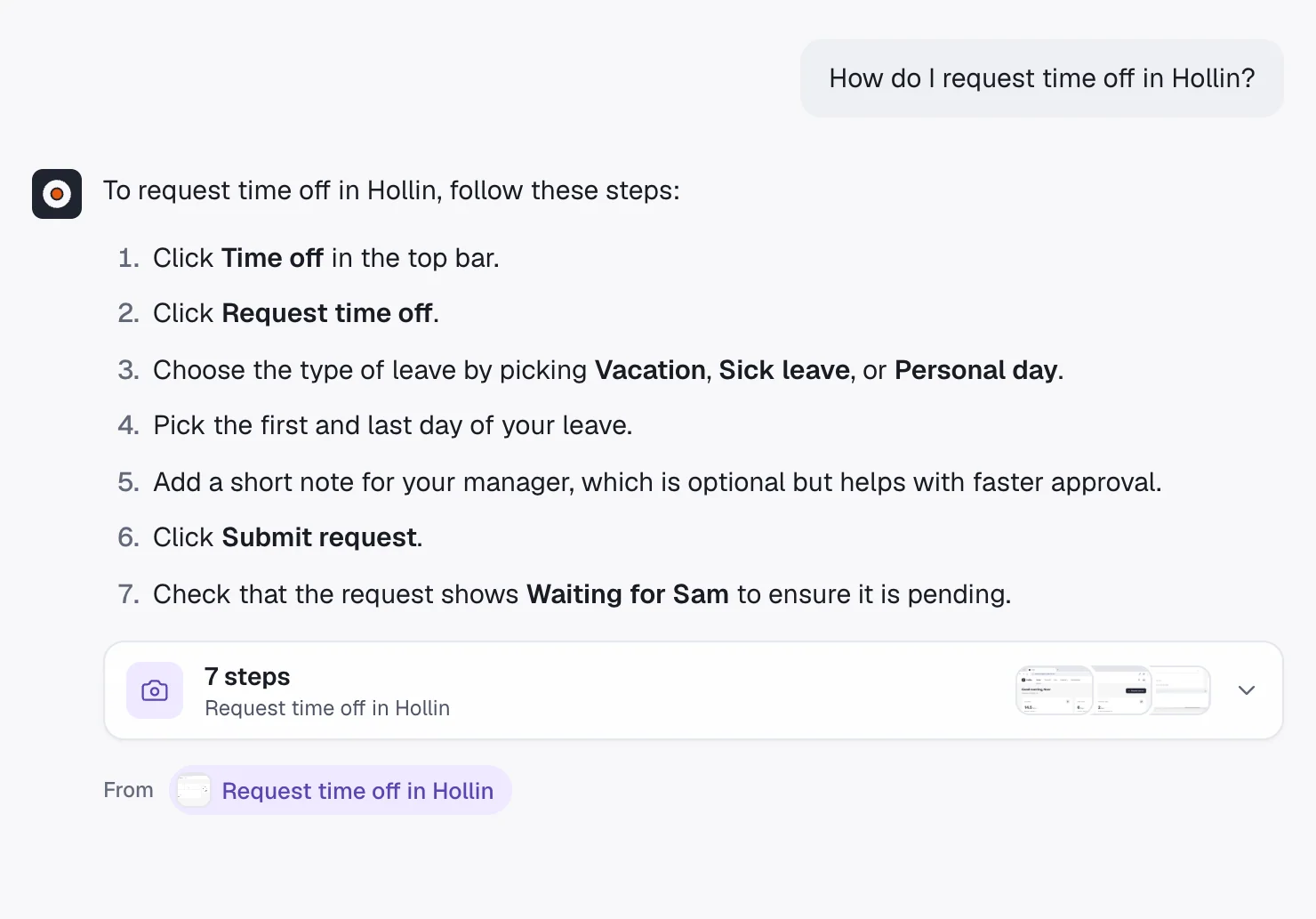
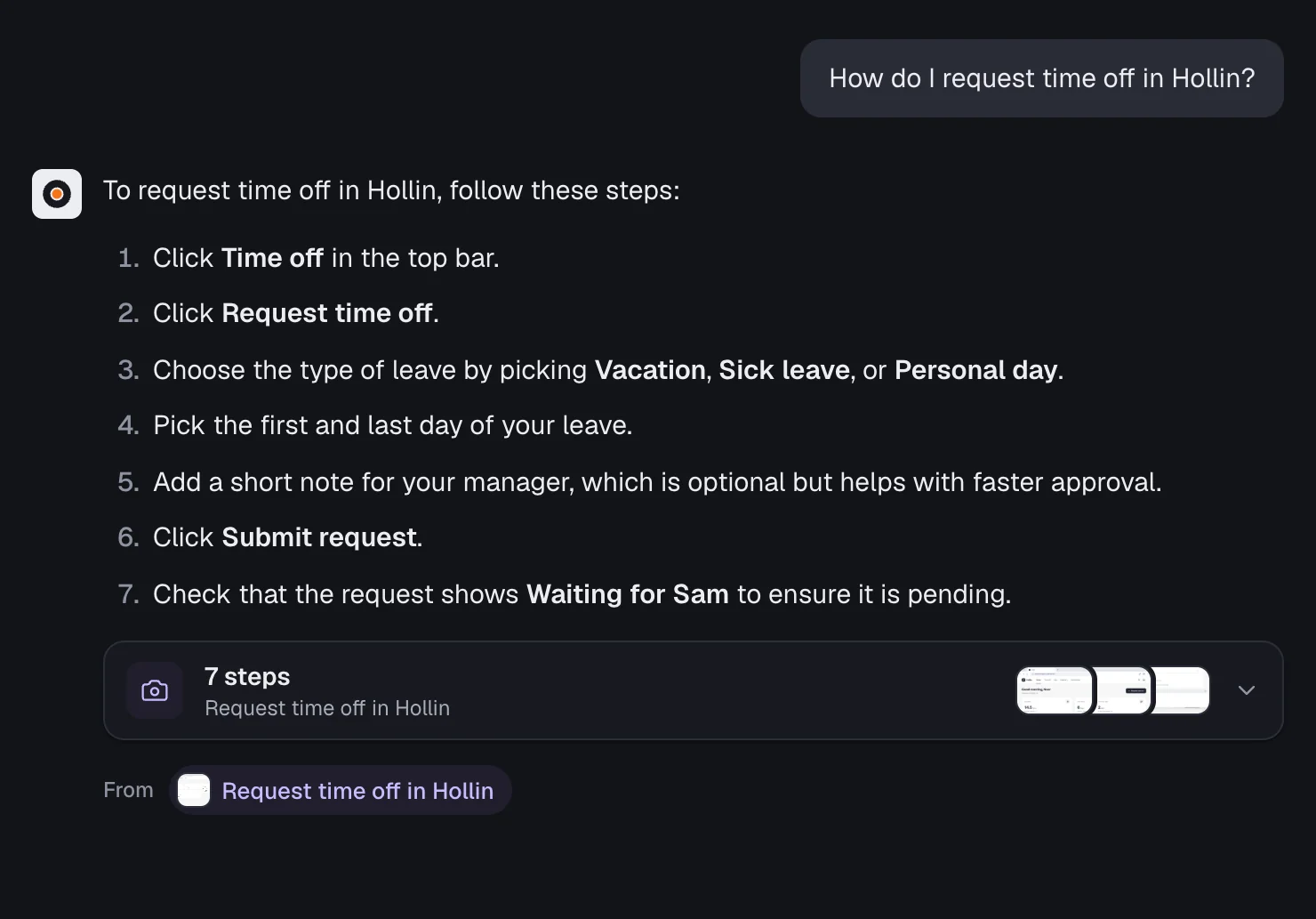
Ask the assistant in showdo
Nothing to set up. It answers from your guides only, with steps, screenshots and a link back.
- Answers with steps and screenshots
- Links back to the guide it used
- Never answers from outside your guides
Guides it can answer from
- Reset a customer's password
- Issue a refund
- Add a user to your workspace
Markdown files any chatbot can read
Download up to 50 guides at once, one file per guide, each step with its words and screenshot.
- One guide.md per guide, with screenshots
- Works in a Claude Project or help desk bot
- Export from the library or any guide
A read-only API for your own RAG
Create a view-only access key and your chatbot gets each guide's steps in order, with blurred screenshots.
- One step, one chunk, with click position
- Blur on the device before upload
- Turn off a key at any time
Common questions
Can our chatbot show screenshots in its answers?
Yes. Through the API every step comes with its screenshot. Markdown exports of guides shared by link point at screenshots showdo hosts.
Which chatbots can use showdo guides?
Any chatbot or assistant that reads Markdown files or can call an API.
Does the chatbot see private details?
No. Screenshots are blurred on the device before upload, and hidden typed text is left out of exports and the API.
More solutions
Try showdo with your own guides
Record one process and get the guide and the narrated video. Free for everyone during early access.