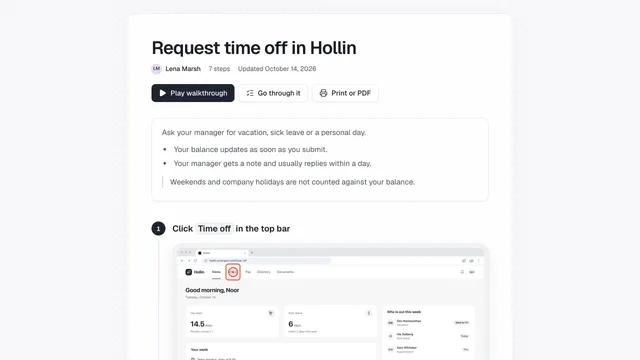
Turn any guide into a narrated video
Turn any guide into a narrated video with one click: a zooming cursor, burned-in captions and the voice you choose.
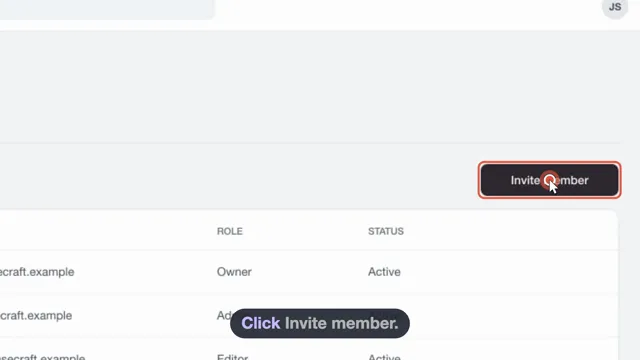
A video made from the guide
showdo writes the narration from your steps. The cursor glides and zooms to each click.
Choose how it sounds
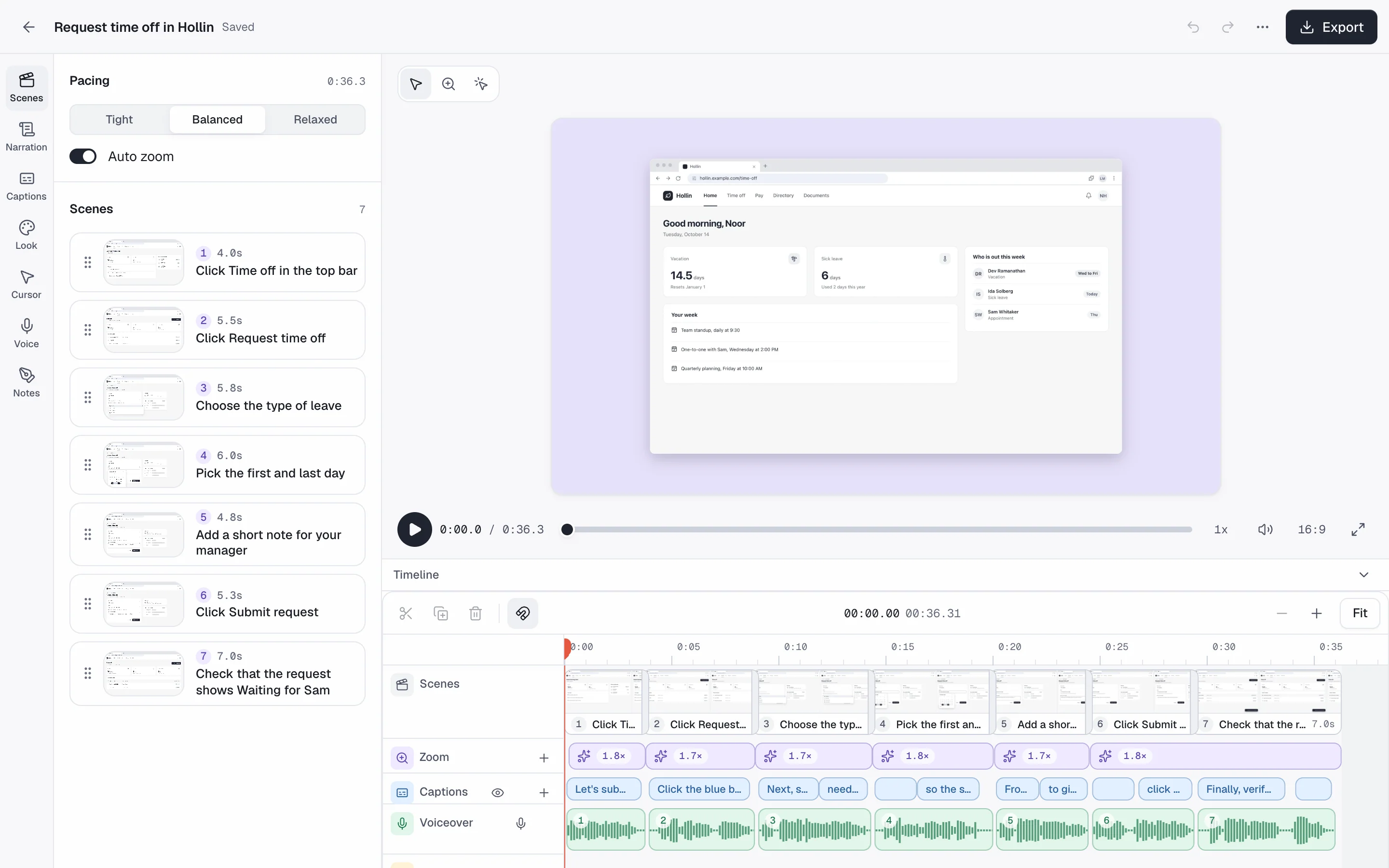
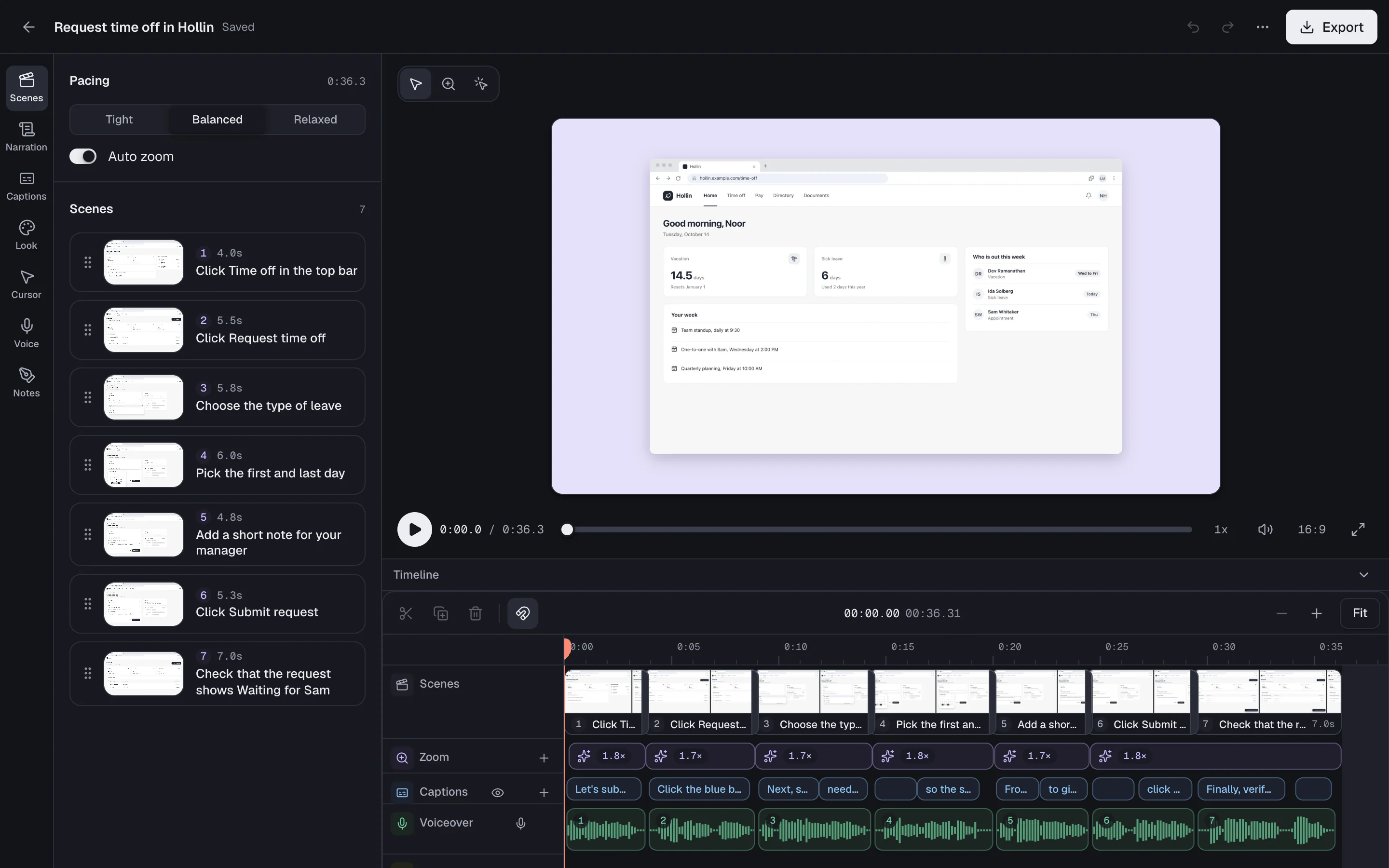
Use an AI voice, your own, or one shared workspace voice.
- 13 AI voices, 4 speaking styles
- Record your own voice
- A voice for the whole workspace
- Voiceover and captions in your guide's language
- MP4
- GIF
- A captions file
Common questions
Can I use my own voice?
Yes. Record your own narration scene by scene. An admin can also record a workspace voice, 30 seconds once, for every video.
Does the video work in Indian languages?
Yes. Voiceover and captions follow your guide's language. Where a voice cannot speak a language, you still get captions.
Which file types can I export?
MP4, GIF and a captions file.
Related
Try it on a task your team repeats
showdo is in early access and free for everyone, with every feature. Record one process and get the guide and the video.