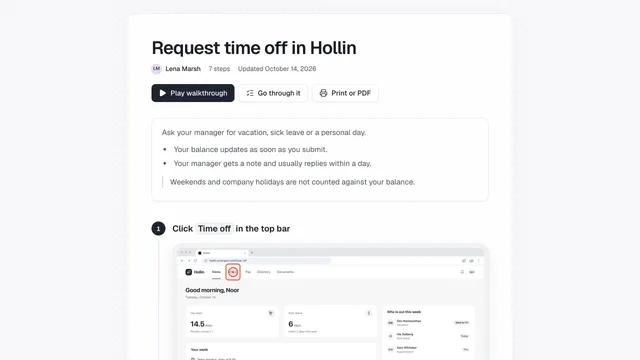
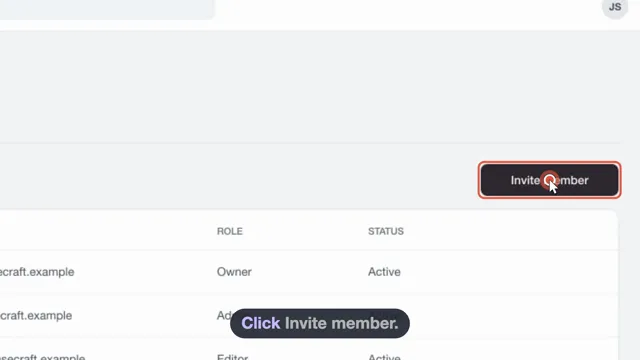
Polish a guide in minutes
The draft is already written. Use the editor for the last few minutes: fix a sentence, mark up a screenshot.
Everything in one view
Each step shows its screenshot and text side by side. Reorder, rewrite or improve a step as you go.
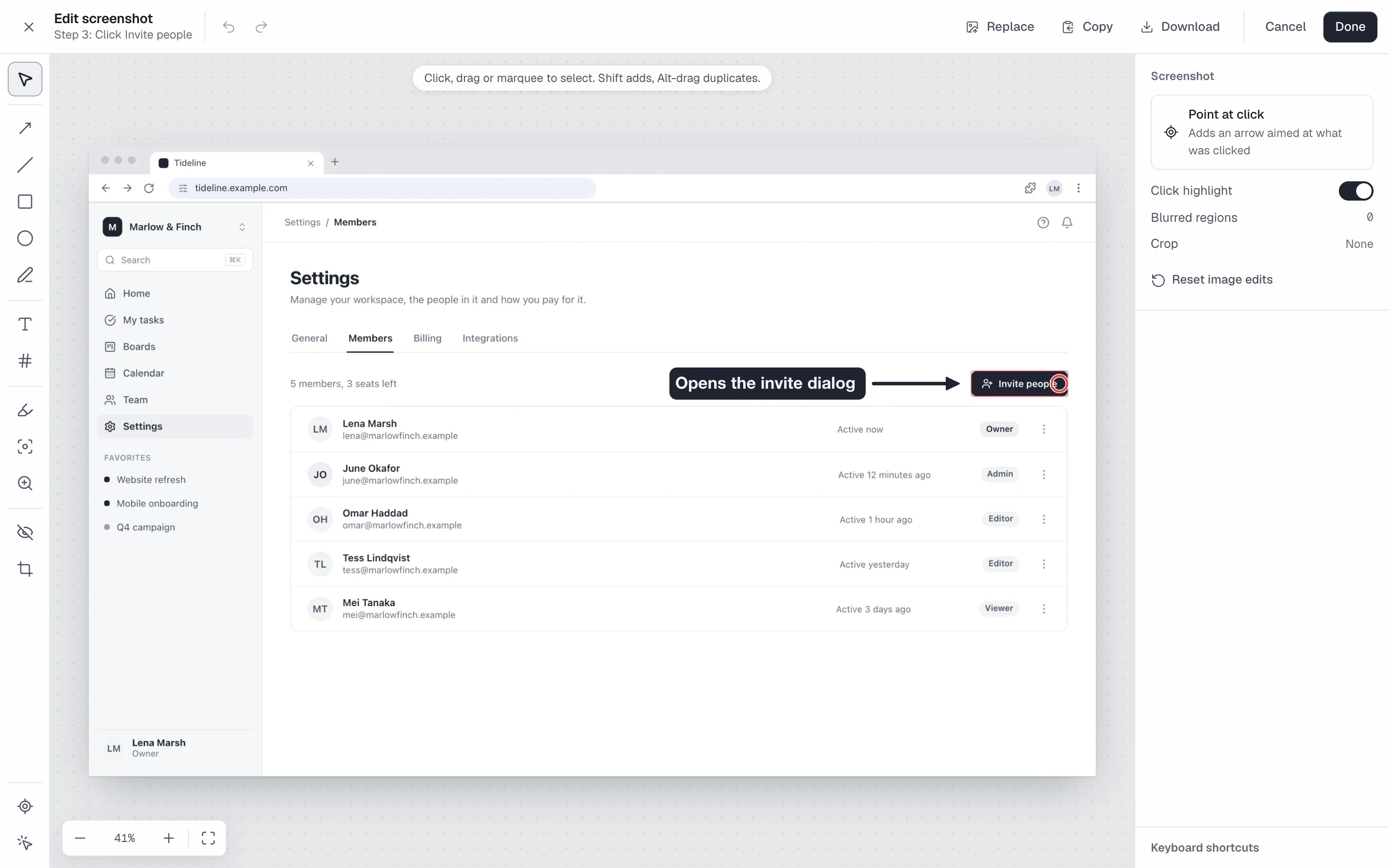
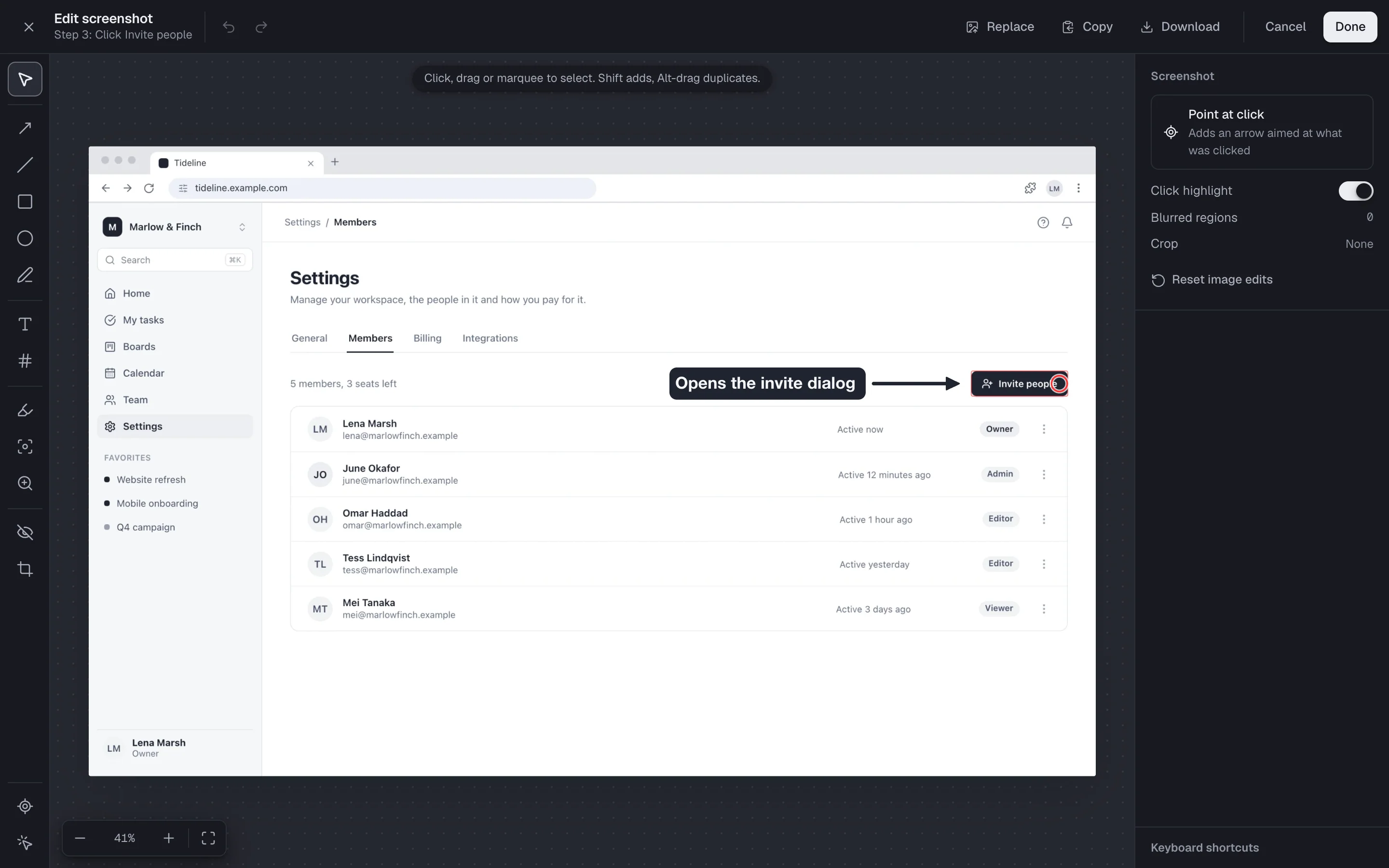
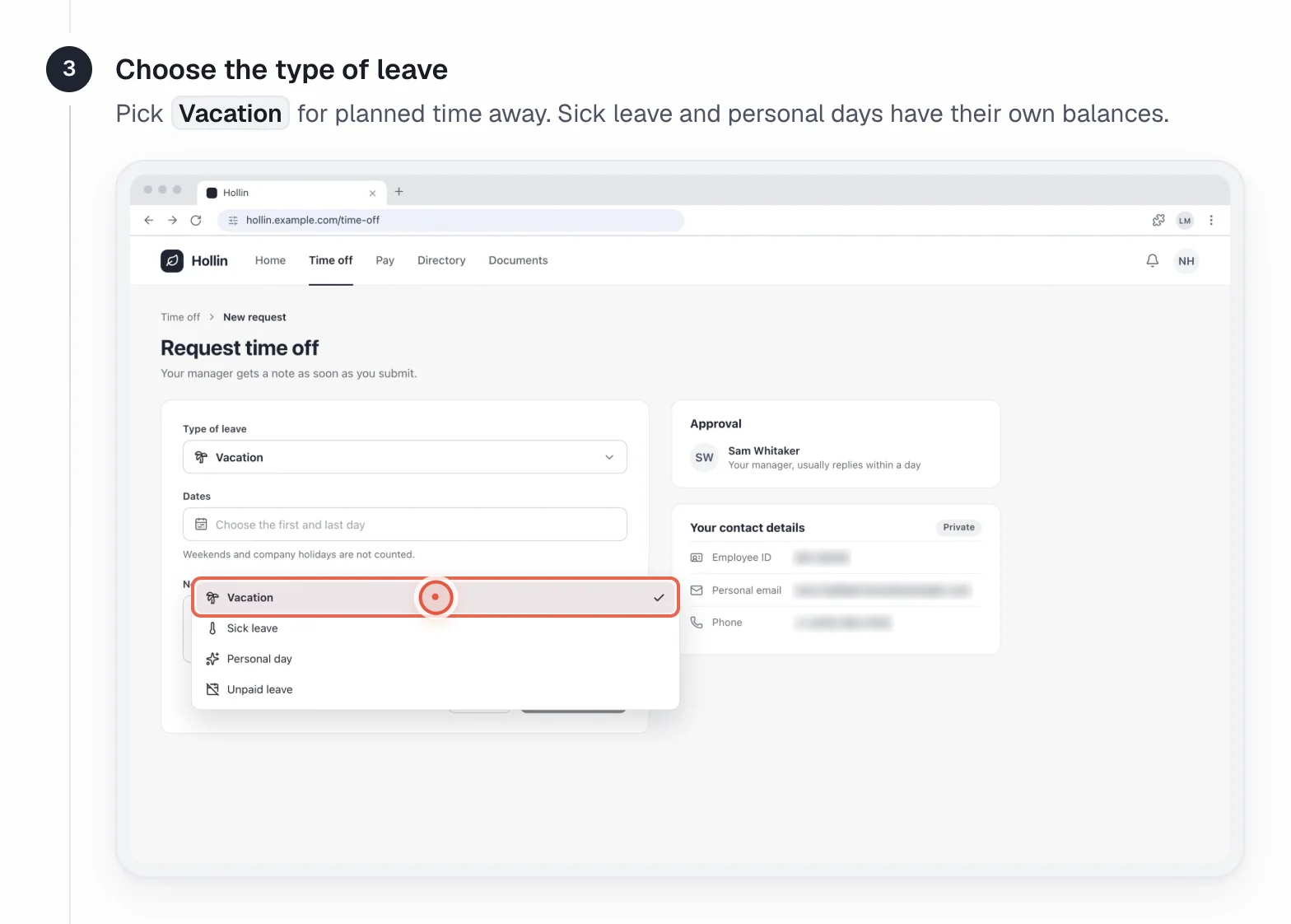
Mark up the screenshot
Point at what matters, and crop to the part people need.
- Arrows, boxes and a magnifier
- Crop, with undo for every edit
Blur, tips and warnings
Add blur by hand, and add notes between steps to say what to expect or avoid.
- Tips, warnings and section headers
- Privacy view lists every blur
Common questions
Can I undo an image edit?
Yes. Every image edit can be undone.
Who can edit a guide?
Owners, admins and editors can create, edit and publish guides. Viewers can only read them.
Can I add blur after the guide is written?
Yes. Editors can add blur in the web editor at any time, and the Privacy view lists every blurred item.
Related
Try it on a task your team repeats
showdo is in early access and free for everyone, with every feature. Record one process and get the guide and the video.