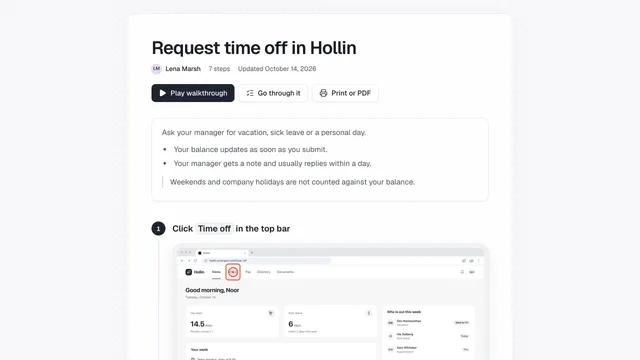
Sales demo walkthroughs prospects can watch or click through
Record a product walkthrough once and send it as a narrated video or a page prospects click through.
Record the walkthrough once
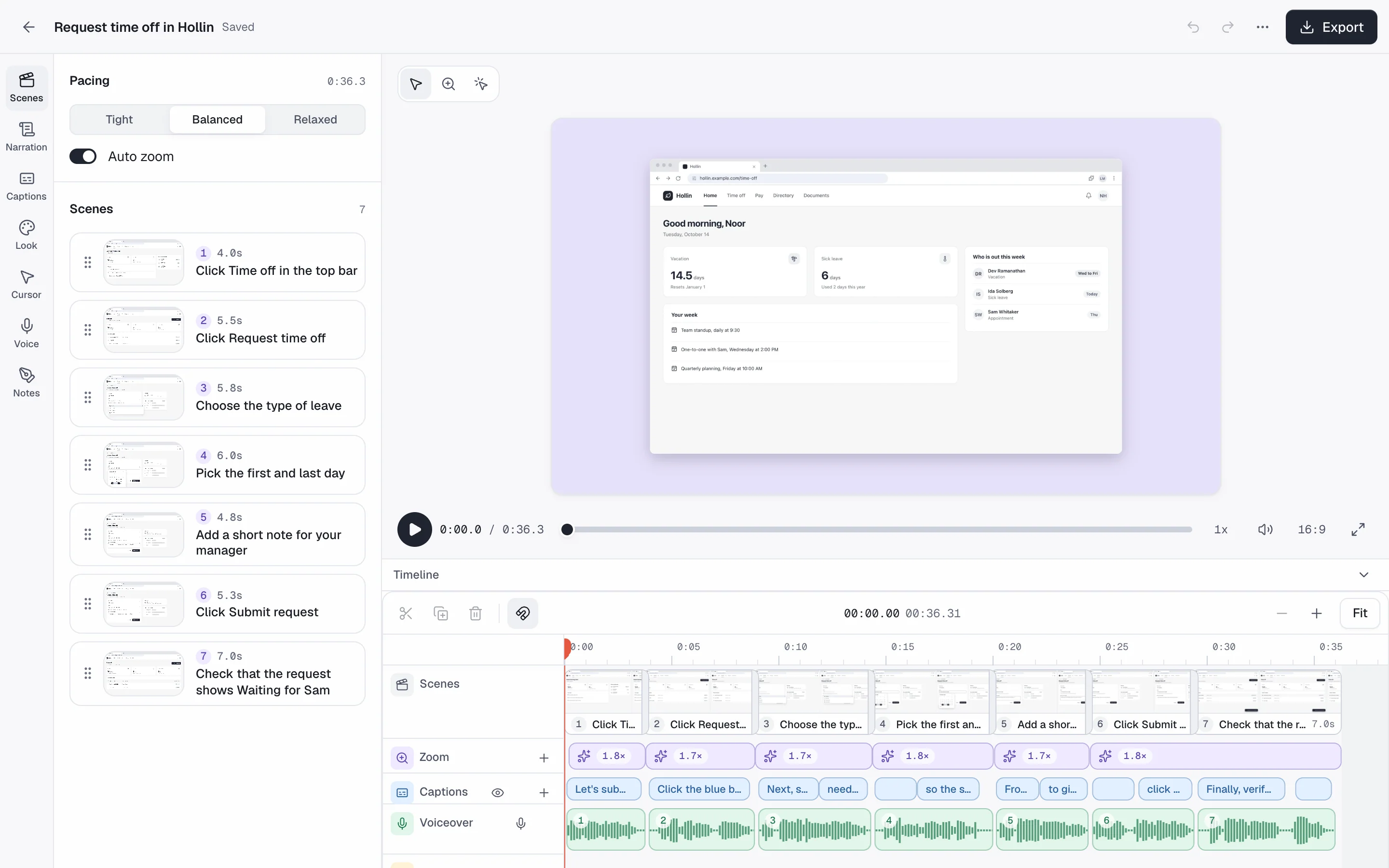
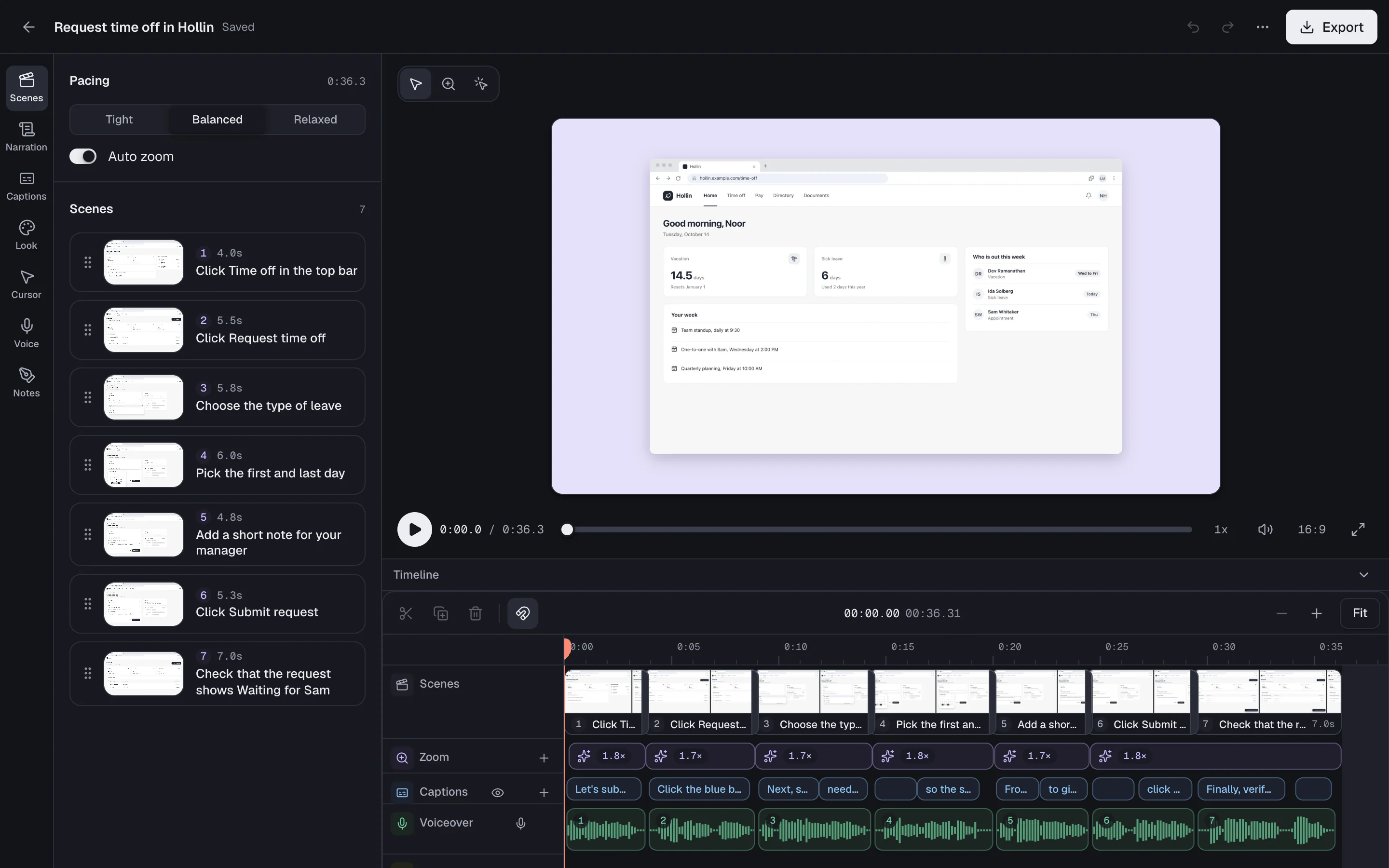
Show the product while showdo records, then edit the steps before you send anything.
- Chrome extension, showdo for Mac and showdo for Android
- Arrows, boxes, magnifier and blur
- Private details blurred in screenshots
Guides this team might record
- Create your first project
- Set up approvals for your team
- Connect your billing details
Send it as a narrated video
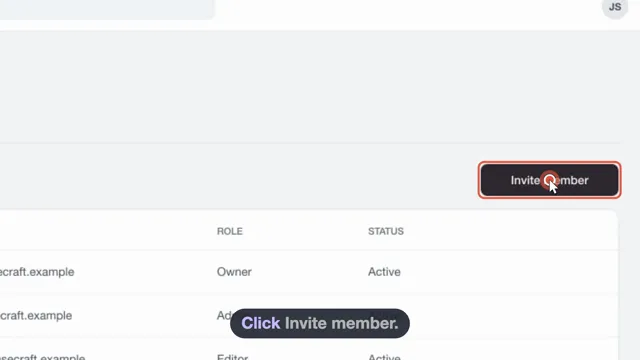
The cursor glides and zooms on every click, with captions burned in. Pick an AI voice or narrate in your own.
- 13 AI voices in 4 speaking styles
- Background music, or none
- Export MP4, GIF and a captions file
Or a page they click through
Share a guide page or embed it with your logo and colours, and translate it into the prospect's language.
- Private, link-only or public
- Embed with your branding
- Voiceover and captions in the guide's language
Questions from sales & demos teams
Can a prospect watch in their own language?
Yes. Voiceover and captions follow the guide's language. Where a voice cannot speak it, you still get captions.
Can I narrate in my own voice?
Yes. Record your own voice scene by scene, or use a workspace voice an admin sets up with consent.
Does the walkthrough page carry our logo?
Yes. You can embed a guide in your own site with your logo and colours.
More solutions
Try showdo with your sales & demos team
Record one process and get the guide and the narrated video. Free for everyone during early access.