Changelog
What is in showdo today and what comes next. Bigger updates are written up here as they ship.
New
Use showdo in AI apps
Search your team's guides from the AI apps you already use, and get the answer as steps with their screenshots.
- Add https://showdo.app/mcp as a connector in any AI app that supports MCP connectors.
- Sign in with your showdo account and approve. There are no keys to copy.
- Ask how to do something and get the steps, the screenshots and a link to each step.
- Read-only, and it only sees the guides you can see. Disconnect any time in Settings.
Early access
Team workspaces
showdo now lives on the web. Recordings from every Mac and browser land in one shared library your whole team can use.
- Team workspaces with owner, admin, editor and viewer roles.
- Folders, tags, search and collections for onboarding handbooks.
- Share links that are private, by link or public, branded with your logo and color.
- Exports to HTML, Markdown and PDF.
showdo for Mac
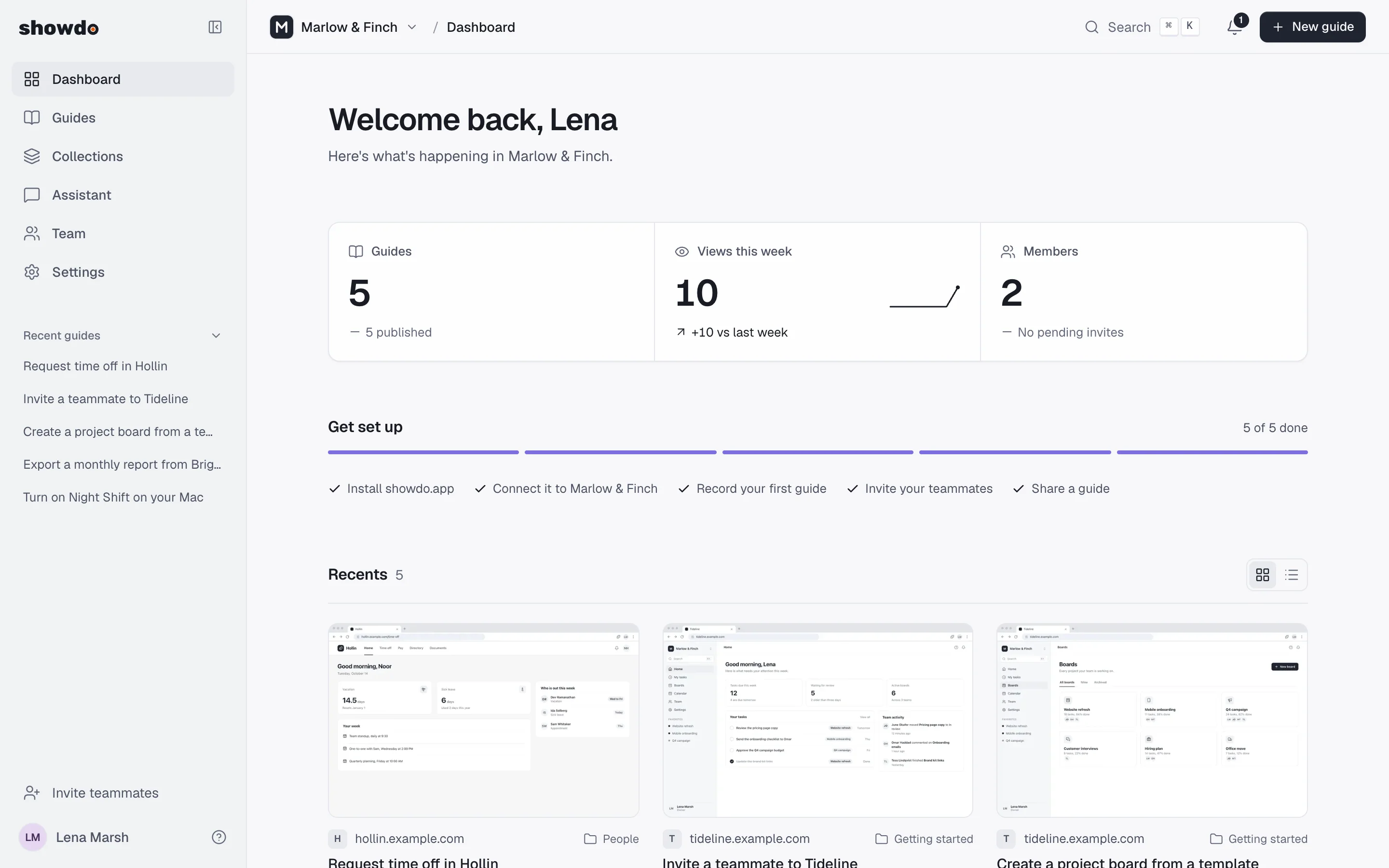
- Records clicks, typing and shortcuts across every app, with a screenshot for each step.
- Floating bar to pause, resume, finish or discard, plus manual screenshots.
- Narration is turned into text on your Mac and used to write clearer steps.
- Do it for me repeats a recorded guide with a gliding cursor while you watch.
showdo for Chrome
- Records any website, with steps appearing live in the side panel.
- Password fields are always hidden.
- Repeats web guides and asks you to type hidden values yourself.
showdo for Android
- Records your taps and typing in any app on your phone, only while you record, with a screenshot for each step.
- A floating button to pause, take a screenshot or stop, and a Guide ready notification.
- Personal details are blurred on the phone before upload. Password, phone-number and one-time-code fields are never captured as typed text.
- Sign in with a short code you enter at showdo.app/connect. Read your guides in the app's library. Needs Android 11 or later and is coming soon to Google Play.
Privacy
- Emails, phone numbers, cards, IBANs and secret keys are blurred on your device before upload.
- An AI privacy scan lists names, addresses and account numbers for your review.
- Editors can add a blur on the web. Originals never leave your device.
Guides and editing
- AI writes titles, descriptions and a summary, and flags misclicks and undone steps.
- Edit everything in place: steps, tips, alerts and section headers.
- Screenshot editor with arrows, shapes, text, highlight, blur and crop, with undo.
- Translate a guide into a new copy in another language.
Coming next
Planned, not available yet.
- Public downloads for Mac and Chrome, and showdo for Android on Google Play
- Single sign-on and two-step verification
- Automatic updates for the Mac app
Try the early access release
Record a task once and turn it into a guide and a video your team can follow.